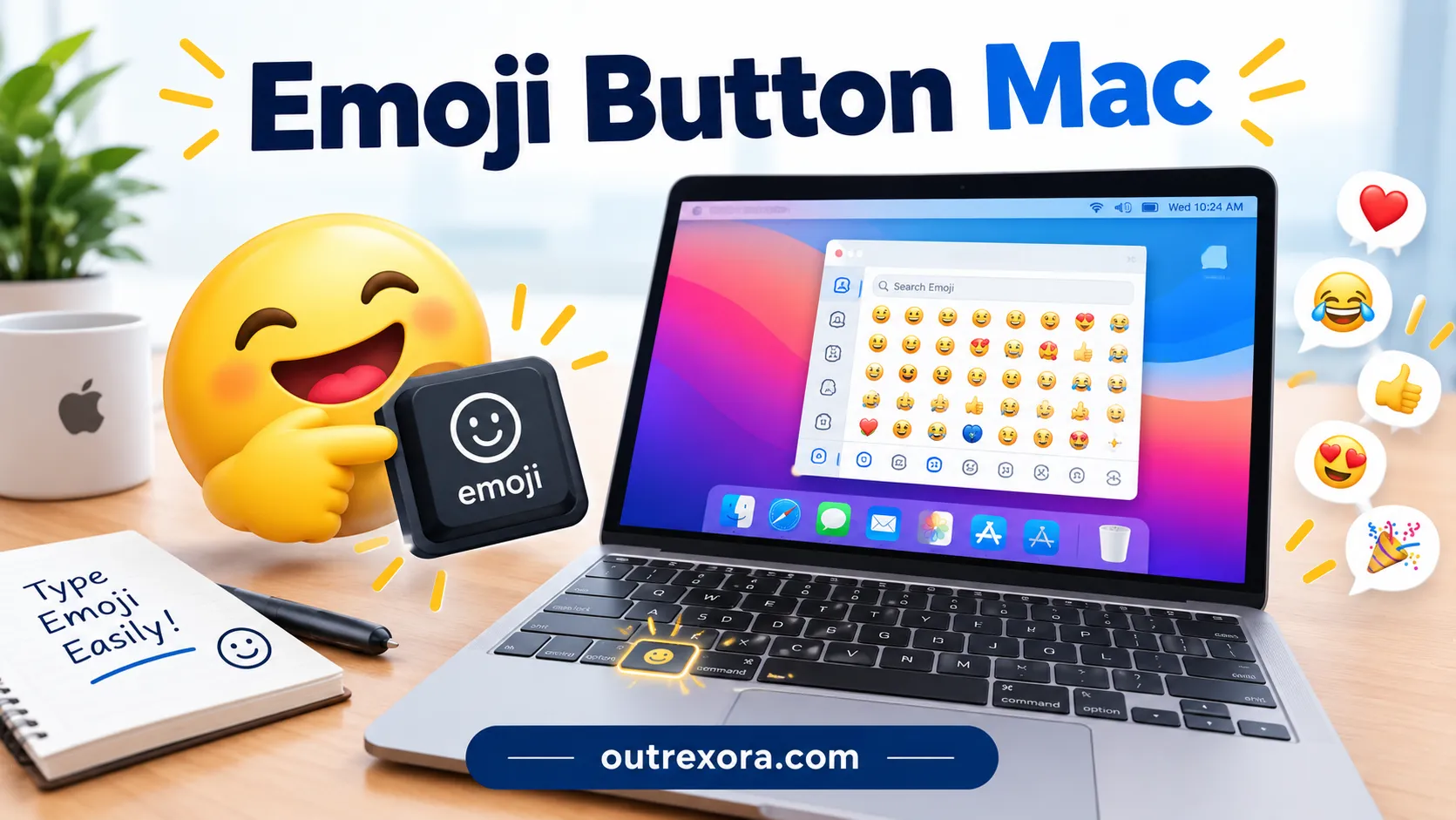
Discover how to open the emoji button on Mac and make your messages more expressive with a few simple keyboard shortcuts.
I remember the first time I wanted to add an emoji to a message on my Mac. On my phone, finding emojis felt effortless, but on a computer, I had to figure out where the emoji button was hiding.
If you have faced the same problem, you are not alone. Whether you are writing an email, chatting on WhatsApp, or creating an Instagram caption, Mac makes it easy to access emojis once you know the right shortcut.
Let’s explore how to find, use, and copy emojis on your Mac.
One simple keyboard shortcut can turn an ordinary Mac message into something much more expressive.
What do emoji button Mac mean?
The phrase emoji button Mac usually refers to the emoji and symbols button or the keyboard shortcut that opens the Character Viewer on a Mac. This built-in tool lets you browse, search, and insert emojis, symbols, and other characters into supported apps.
You do not need to memorize every emoji or search the internet each time you want one. Pressing Control + Command + Space generally opens the Character Viewer, making it easy to find the expression you want.
Emojis themselves can communicate different feelings depending on the conversation. A smiling face may express friendliness, while a laughing face can show amusement. A heart might communicate affection, appreciation, or warmth. Context matters more than the symbol alone.
Here are six familiar emojis that people often use through the Mac emoji button:
| Emoji | Core meaning | Misread as | Best used when |
| 😀 | Happiness and friendliness | Forced cheerfulness | Casual greetings |
| 😂 | Strong amusement | Mocking someone | Sharing something funny |
| 😍 | Admiration or affection | Romantic interest in every situation | Complimenting something special |
| 😎 | Confidence or a cool attitude | Arrogance | Playful, confident messages |
| 😢 | Sadness or disappointment | Serious distress in every context | Expressing sympathy or sadness |
| ❤️ | Love, warmth, or appreciation | Romantic love only | Personal messages and kind replies |
Emoji Cards
😀 Grinning Face
Meaning: Happiness, friendliness, and a cheerful mood. Example 1: Good morning, everyone! 😀 Example 2: I finally finished my work! 😀
😂 Face with Tears of Joy
Meaning: Strong amusement or laughter. Example 1: That video was hilarious 😂 Example 2: I cannot stop laughing at your joke 😂
😍 Smiling Face with Heart-Eyes
Meaning: Admiration, delight, or affectionate excitement. Example 1: This cake looks amazing 😍 Example 2: Your new artwork is beautiful 😍
😎 Smiling Face with Sunglasses
Meaning: A cool, confident, or playful attitude. Example 1: Finished the assignment like a pro 😎 Example 2: Ready for the weekend 😎
😢 Crying Face
Meaning: Sadness, disappointment, or emotional sensitivity. Example 1: I missed the bus today 😢 Example 2: That ending made me emotional 😢
❤️ Red Heart
Meaning: Love, warmth, affection, or appreciation. Example 1: Thank you for always supporting me ❤️ Example 2: Sending you lots of love ❤️
😃 Grinning Face with Big Eyes
Meaning: Open happiness, excitement, and positive energy. Example 1: We are going on a trip! 😃 Example 2: I am so happy to see you 😃
👍 Thumbs Up
Meaning: Agreement, approval, or acknowledgment. Example 1: Sounds good to me 👍 Example 2: Thanks for the update 👍
✨ Sparkles
Meaning: A sense of magic, freshness, beauty, or emphasis. Example 1: Your new design looks amazing ✨ Example 2: A fresh start ✨
😡 Pouting Face
Meaning: Anger, frustration, or strong displeasure. Example 1: I cannot believe the app crashed again 😡 Example 2: That was not fair 😡
How to use emoji button Mac the right way
Using the emoji button on a Mac is simple once you know where to look. The Character Viewer works in many apps that support text input, including messaging apps, writing tools, and social media websites.
1. Open the Character Viewer
Click inside a text field where you want to add an emoji. Press Control + Command + Space on your keyboard. The Character Viewer should appear, allowing you to browse or search for an emoji.
You can also access emoji and symbols through the Edit menu in many Mac applications. The exact menu name and available options may vary by app.
2. Search for an emoji
Use the search field in the Character Viewer to find a specific expression. For example, searching for “heart,” “smile,” or “sparkles” can help you locate a suitable symbol quickly.
Select the emoji to insert it into your message. You can then continue typing without leaving the app.
3. Use emojis on WhatsApp, Instagram, and TikTok
WhatsApp: Emojis work well in personal conversations, greetings, and expressive replies. A simple smile or heart can add warmth without making a message too long.
Instagram: Use emojis in captions, comments, and profile descriptions to support an aesthetic or brand voice. Keep them relevant to the post instead of adding symbols randomly.
TikTok: Emojis can add humor, excitement, or playful irony to captions and comments. The same symbol may feel different depending on the video and surrounding text.
Simple dos and don’ts
- Do: Use emojis to support your message and make your tone clearer.
- Do: Check the surrounding words before choosing an expression.
- Don’t: Add too many emojis when a simple sentence is enough.
- Don’t: Assume everyone interprets an emoji in exactly the same way.
Best emoji button Mac combos copy & paste
You can copy these combinations directly into your messages, captions, or comments. Each group uses familiar emojis that are easy to find through the Mac Character Viewer.
Romantic
- ❤️😍 Sending affection to someone special.
- 😍❤️✨ Showing admiration with a warm, loving tone.
- ❤️✨❤️ Adding a sweet touch to a heartfelt message.
Cute
- 😀✨ Sharing a cheerful, wholesome moment.
- 😃❤️ Sending a happy and caring reply.
- ✨😀✨ Making a simple greeting feel playful.
Flirty
- 😎😍 A confident, playful compliment.
- 😍✨ Showing that something or someone caught your attention.
- 😎❤️ Adding a lighthearted touch to a friendly exchange.
Missing someone
- 😢❤️ Expressing sadness while thinking of someone.
- ❤️😢✨ Adding warmth to an emotional message.
- 😢😀 Sharing mixed feelings about a situation.
Good night
- ❤️✨ Ending the day with affection.
- 😍❤️ Sending a sweet good-night message.
- 😀✨❤️ A cheerful and caring bedtime sign-off.
Trending emoji button Mac in 2026
Emoji use continues to change as people communicate through messaging apps, social media, and online communities. In 2026, familiar emojis are still useful because they are easy to recognize, while their tone can shift with internet culture and the context of a post.
Creators may use emojis to make captions more expressive, add humor to short videos, or give personal messages a more recognizable style. The Character Viewer makes it convenient to access these symbols directly from a Mac.
| Emoji | Why trending | Who uses it | Platform |
| 😂 | Familiar shorthand for online humor | Friends and content creators | TikTok, WhatsApp |
| ❤️ | Works across affectionate and supportive messages | General social media users | Instagram, WhatsApp |
| ✨ | Adds emphasis and a polished visual touch | Caption writers and creators | Instagram, TikTok |
| 😎 | Fits playful confidence and casual humor | Friends and younger users | TikTok, WhatsApp |
Emoji styles often evolve with online conversations, and the same familiar symbol may take on new nuances as communities develop their own ways of communicating.
FAQs
1. What is the most popular emoji button Mac?
The most useful Mac emoji shortcut is Control + Command + Space because it opens the Character Viewer. From there, you can search for and insert emojis into supported text fields.
2. What does ❤️ mean from a girl or boy?
A red heart can express affection, appreciation, friendship, or romantic feelings. Its meaning depends on the relationship and the words surrounding it, not simply whether the sender is a girl or boy.
3. Why do emojis look different on iPhone vs Android?
Apple and Android use different emoji designs and fonts. The same Unicode emoji can therefore have a different appearance on each device, even though its general meaning is similar.
4. Are emoji button Mac used differently in other countries?
Yes, emoji interpretations and popular combinations can vary across cultures and online communities. A symbol that feels playful in one context may seem more formal or emotional in another.
Conclusion
The Mac emoji button makes it easy to add personality to everyday communication. With the Character Viewer, you can quickly find expressions, symbols, and copy-paste combinations for different platforms.
Use emojis naturally, consider the context, and let your words carry the main message.

I’m Noah Mitchell, an author at Outrexora.com, where I share clear, engaging, and informative content covering the latest news, insights, trends, and topics that matter to readers.